Shoppers love a styled room photo. The problem is the next click. They like the sofa, the lamp, and the throw – then they hunt your catalogue one product at a time.
A shoppable room photo fixes that. You pin every buyable piece. Shoppers tap a pin, see the price, pick a variant, and add to cart without leaving the page.
How to set it up
Here’s how I’d set it up with Image Mapper – Shoppable Image:
-
Pick one strong room photo that shows several products you sell. One living room, one bedroom corner, or one dining setup. A clear photo with a few products works better than a busy collage.
-
In the app, go to Shoppable Images and click Add Shoppable Image. Give it a name you’ll recognise, like “Living Room Edit”. Upload the photo or paste its URL.
-
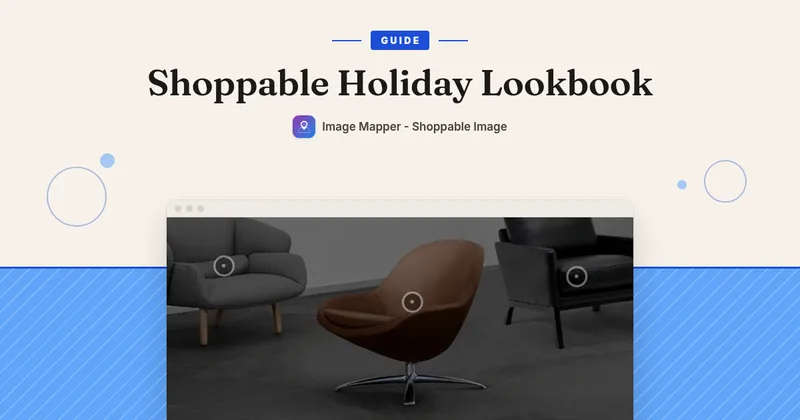
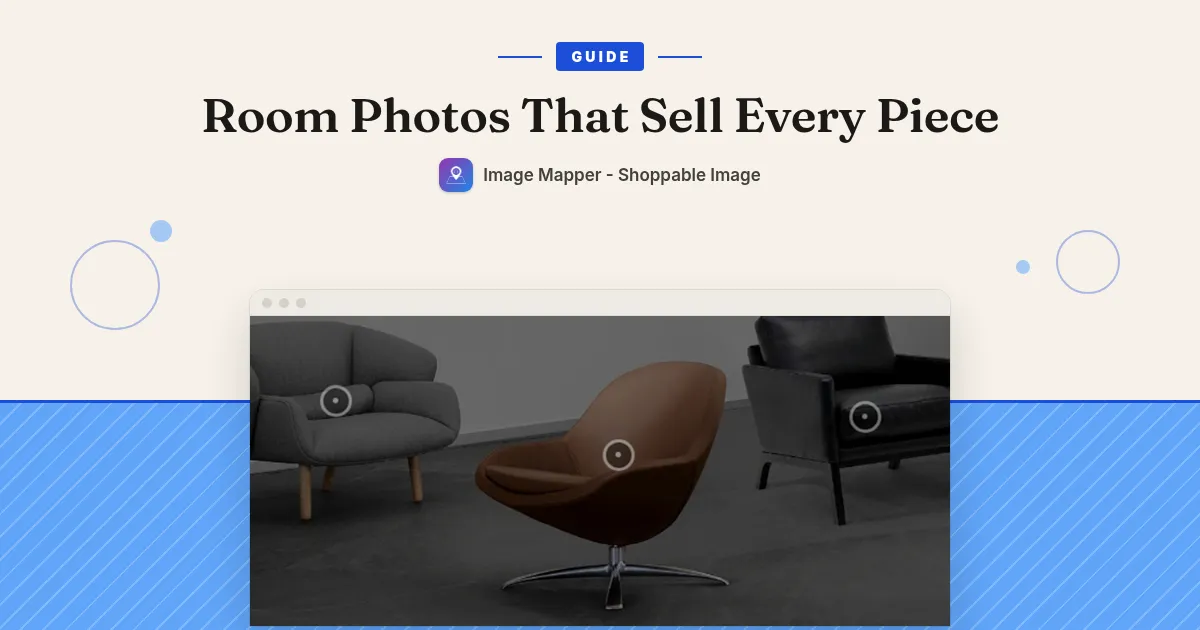
Click on the photo wherever you want a pin. Each click adds one. Drag a pin to fine-tune the spot.
-
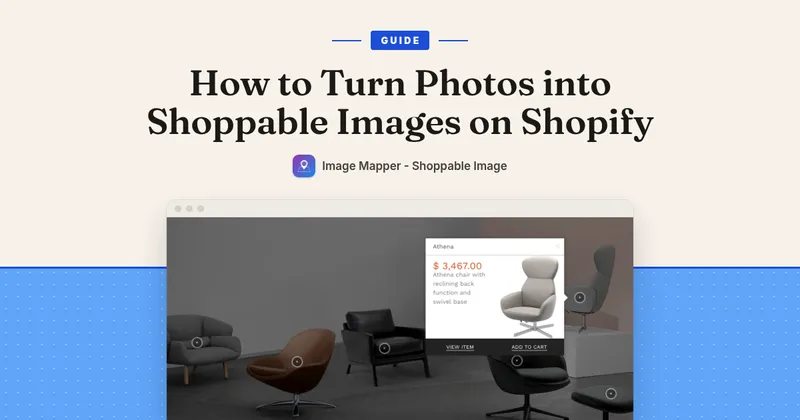
Click each pin and set the data source to Product, then browse and pick the product. When a shopper taps that pin, they get a quick view with the title, price, variant selector, View Item, and Add to Cart.
-
Keep pins thumb-friendly. Leave space between them so a phone tap hits the right piece. Aim for 3 to 5 pins per photo – pin what people would ask “where’s that from?” about.
-
Optional: create a Pin Style under Pin Styles and use it on every pin. Change the style later and every pin that uses it updates at once.
-
Save. Copy the Shoppable Image ID from the Get code page.
-
In your theme editor, open the page you want (homepage or a lookbook page), Add section or Add block → Apps → Shoppable Lookbook. Set Lookbook Format to Single Shoppable Image and paste the ID. Save.
-
Turn on the Image Mapper Core app embed in your theme. If it isn’t on, the app shows a banner with a one-click activate button.
-
Check the page in a private (incognito) window. Browsers cache the app files, so a normal tab can show an older version for a while.
What shoppers see: the room photo on your page, pins on each buyable piece, a tap that opens price and variants, and Add to Cart without a catalogue hunt.
A few room-photo tips
-
Style the room with products you actually stock and can ship.
-
Put the photo high on the page, where lookbook browsers land.
-
Swap the photo for a new season edit later – your pins and styles stay in the app.
Image Mapper is $9.99/month with a 7-day free trial: https://apps.shopify.com/image-mapper