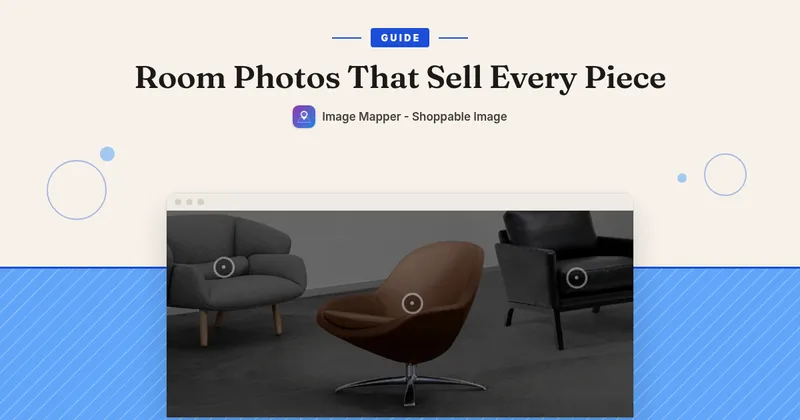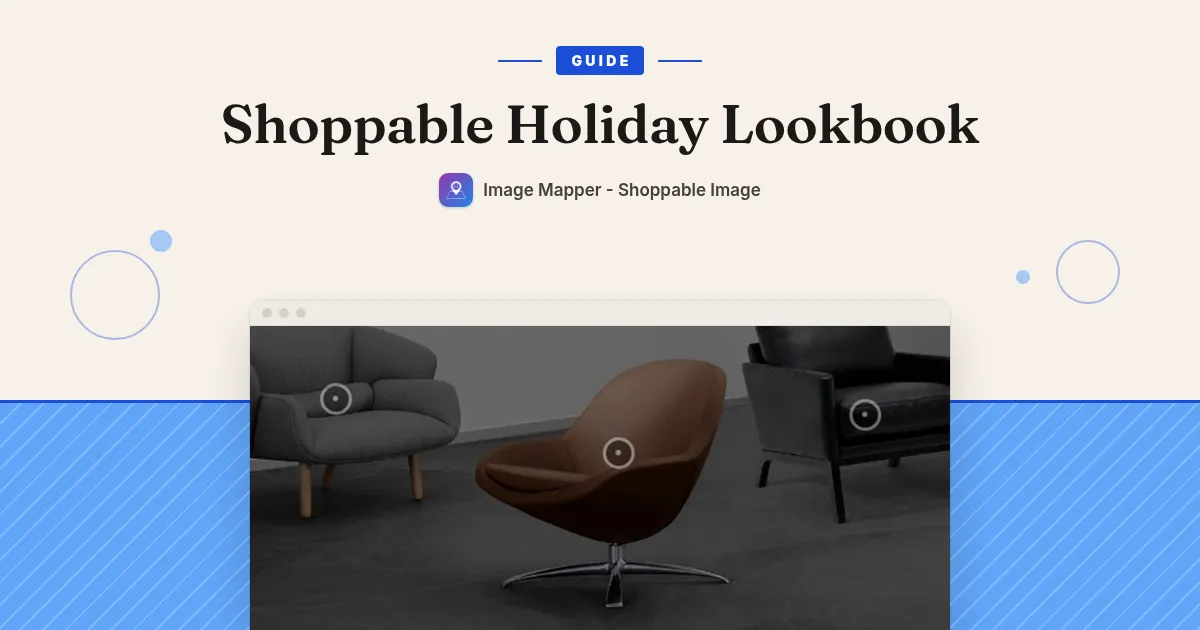
With a styled holiday photo, the next step is the problem: shoppers see a chair, a lamp and a throw they like, and then they have to hunt for each one in your catalogue.
A shoppable photo fixes that. You pin each product in the photo, and shoppers tap a pin to see the price, pick a variant and add it to the cart without leaving the page.
How to set it up
Here’s how I’d set it up with Image Mapper – Shoppable Image:
-
Pick one strong seasonal photo with several products in it. One room, one table setting or one outfit. A clear photo with a few products works better than a busy one.
-
In the app, go to Shoppable Images and click Add Shoppable Image. Give it a name you’ll recognise, like “Holiday Living Room”. Then upload the photo or paste its URL.
-
Click on the photo wherever you want a pin. Each click adds one. You can drag a pin to move it.
-
Click each pin and set the data source to Product, then browse and pick the product. When a shopper taps that pin, they get a quick view with the product title, price, variant selector, a View Item button and an Add to Cart button.
-
Optional: create a Pin Style with your holiday colours under Pin Styles and use it on every pin. If you change the style later, every pin that uses it updates at once.
-
Save. The app takes you to the Get code page. Copy the Shoppable Image ID.
-
In your theme editor, open the page you want (homepage or your gift collection), click Add section or Add block, open the Apps tab and pick Shoppable Lookbook. Set Lookbook Format to Single Shoppable Image and paste the ID. Save.
-
Make sure the Image Mapper Core app embed is turned on in your theme. If it isn’t, the app shows a banner with a one-click activate button.
-
Check the page in a private (incognito) window. Browsers cache the app files, so a normal tab can show an older version for a while.
A few holiday tips
-
Keep it to 3 to 5 pins per photo. Pin the products people would ask “where’s that from?” about.
-
Make one photo per gift theme (for the home, for the host, for kids) instead of one crowded image.
-
Put the photo high on the page, where gift shoppers land.
-
After the holidays, swap the photo for your January edit. Your pins and styles stay in the app.
Image Mapper is $9.99/month with a 7-day free trial: https://apps.shopify.com/image-mapper